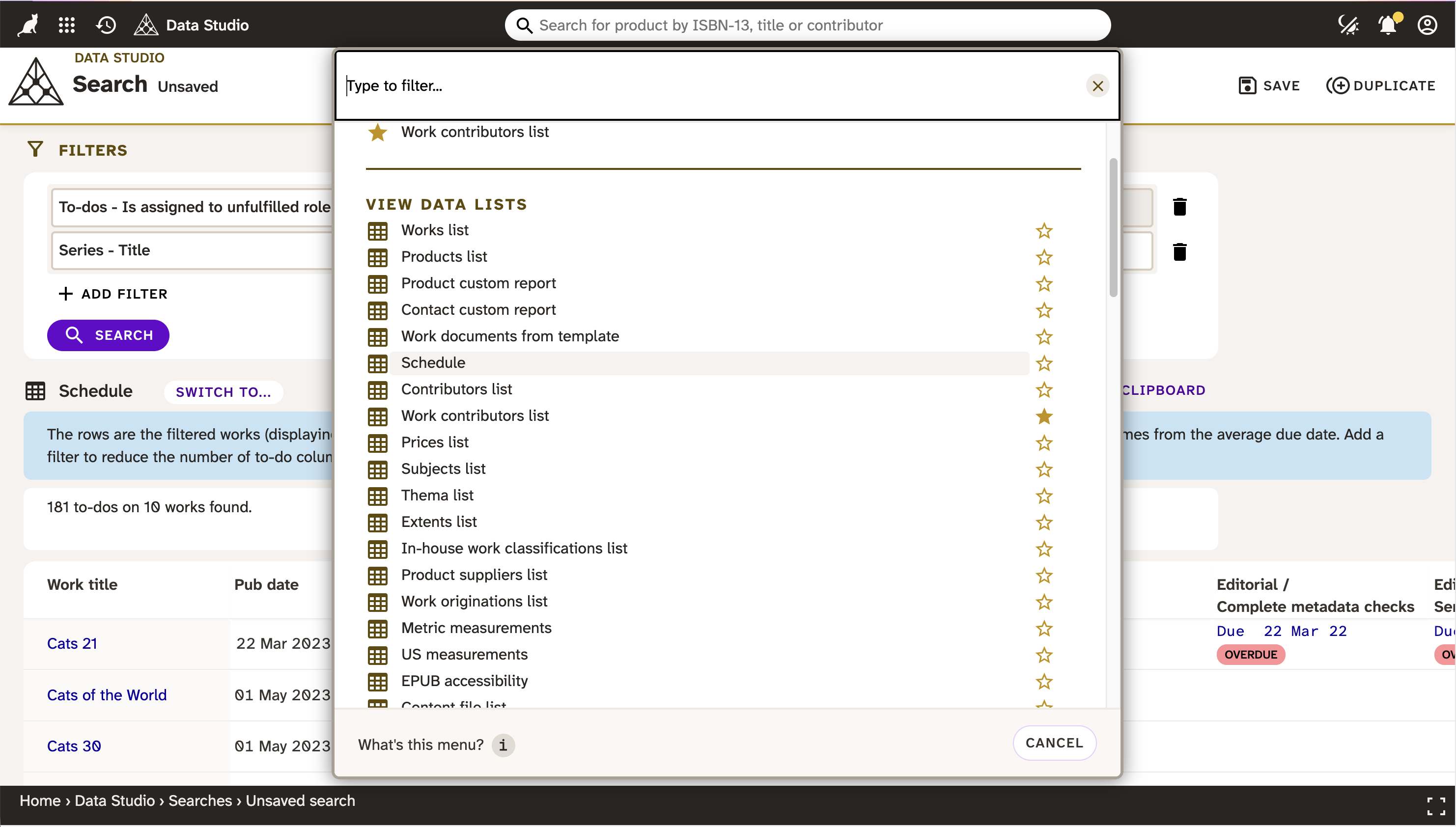
1. Go to Consonance Data Studio®
2. Click New search
Click the New search button. The page shows a blank set of filters.
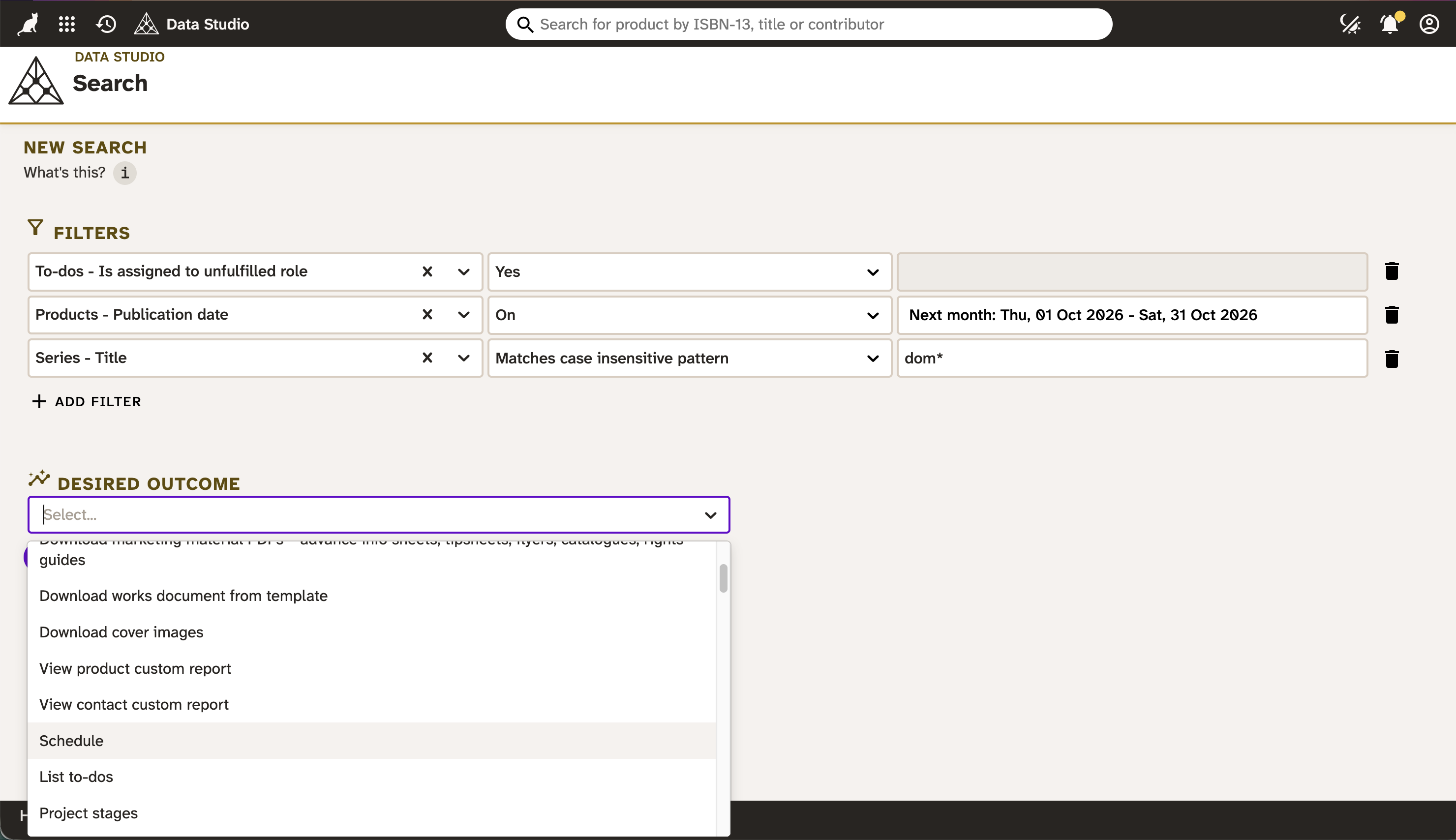
3. Enter filters
Filter your data, by choosing from the contextual dropdowns. Choose an option in the first column and the second column will change to have relevant options. Choose one of those, and the third column will then change – fill that in, too.
If you want to filter your data in another way, click Add filter and repeat the selection process.
You can alternatively leave the filters blank, to default to getting all your data.
4. Enter your desired outcome
Choose an option from the dropdown, or leave blank to default your search to an overview.
5. Run the search.
Click the Search button to filter your data, and see your desired outcome. You can also switch to alternative outcomes.